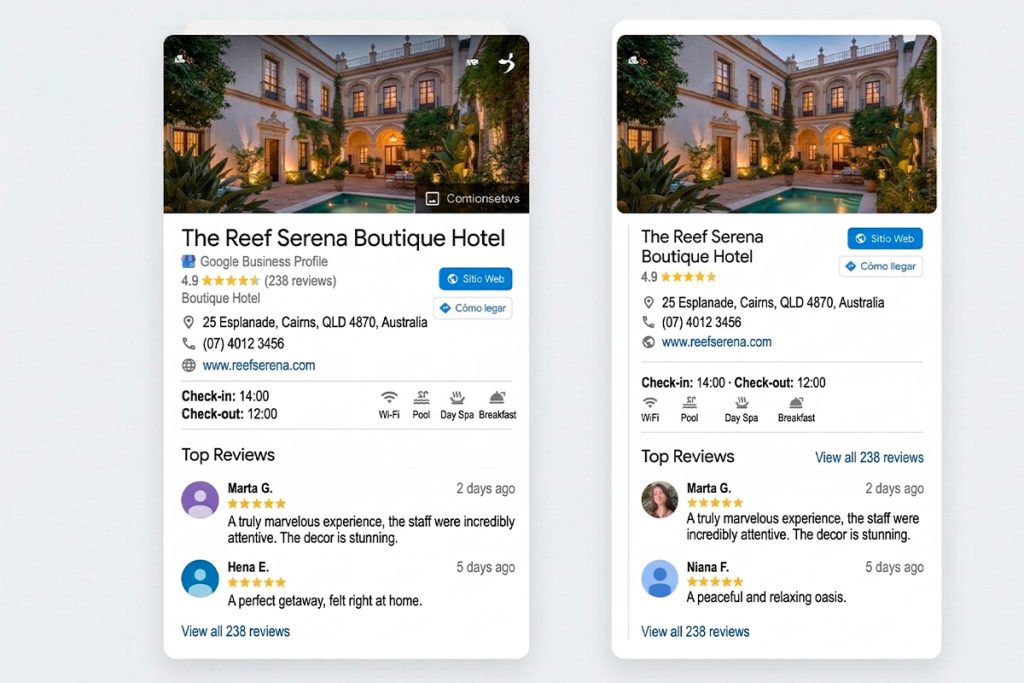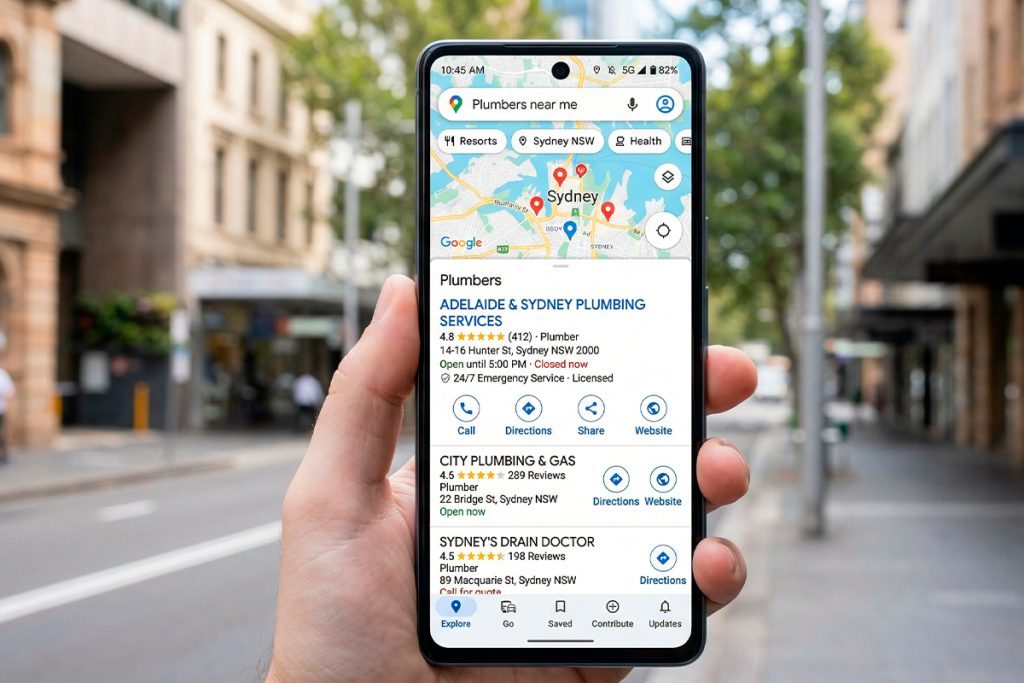
When a potential guest searches for your hotel by name — or searches for accommodation in your area — your Google Business Profile appears before your website does. Before the reviews, before the photos, before anything else, your GBP is the first filter between a curious traveller and a confirmed booking.
Most boutique hotels in Australia treat it as admin. Set it up once, forget about it, move on to things that feel more like marketing. That’s a mistake — and it’s one that costs direct bookings every week.
A well-maintained Google Business Profile costs nothing to run and consistently outperforms paid channels in cost per direct booking. Here’s how to get it right.
Why your GBP matters more than most hotels realise
Google Maps is increasingly how guests discover accommodation — not just how they navigate to it. A traveller planning a weekend in the Hunter Valley, a couple looking for a boutique property near the Yarra Valley, a business traveller searching for somewhere close to the CBD — all of them are opening Maps, searching, and making snap judgments based on what they see.
Those judgments happen fast. A profile with outdated photos, no responses to reviews, and a booking link that goes to Booking.com loses guests to a competitor with a well-maintained profile before the guest has spent 20 seconds considering their options.
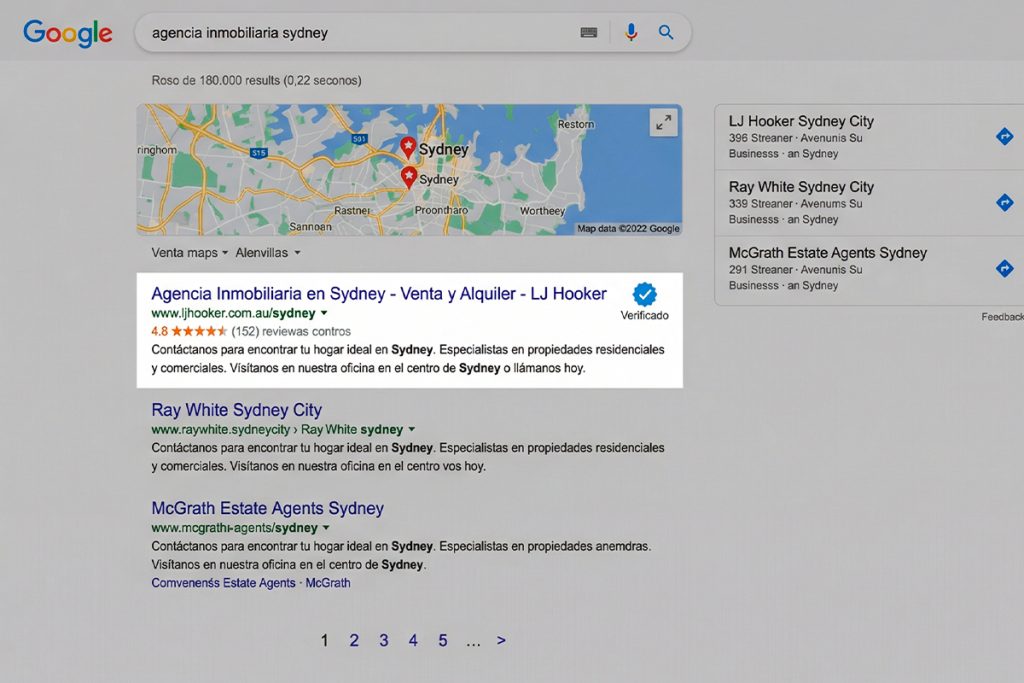
The other reason GBP matters is search visibility. Google’s local search algorithm rewards profiles that are active, complete, and well-reviewed with higher placement in Maps results and the local pack — the three property results that appear at the top of location-based searches. More visibility means more clicks. More clicks, managed well, mean more direct bookings.
Step 1: claim and verify your profile
This sounds obvious, but a meaningful percentage of boutique hotels in Australia have either never claimed their GBP or claimed it and lost access when a staff member left.
Go to business.google.com and search for your property. If it exists but is unclaimed, claim it. If it doesn’t exist, create it. Verification typically takes a few days via postcard or, for some businesses, can be completed instantly via phone or video.
Once you have access, check the basics: business name exactly as you use it everywhere else, correct address and phone number, accurate category (select “Boutique hotel” or “Hotel” as your primary category), and website URL pointing to your direct booking page — not your homepage, not Booking.com.
Step 2: set your booking link correctly
This is the single most impactful change most boutique hotels can make to their GBP, and it takes about 30 seconds.
In your GBP dashboard, under “Booking” or “Reservations,” set the primary URL to your direct booking page. Not your homepage. Not a third-party platform. Your booking page — the one where a guest can complete a reservation without leaving your domain and without triggering a commission.
If your current booking link goes to Booking.com or Expedia, you’re paying commission on guests who found you through Google Maps. They searched for your hotel, found you, and were sent directly to a platform that charges you for the privilege of the booking they were already going to make.
Fix the link. It takes less than a minute and the financial impact compounds every week it’s in place.
Step 3: upload photos that do the selling
GBP photos are the most underused direct booking tool in hotel marketing. Most boutique hotels upload ten or fifteen photos when they first set up their profile and never update them. The result is a profile that shows dated photography of a property that may have been renovated since, with no seasonal variation, no new dishes from the restaurant, and no shots of recent improvements.
For a boutique hotel GBP, aim for a minimum of 30 photos across these categories: exterior (day and evening), reception and lobby, room categories (at least two shots per room type), bathroom, dining and bar if applicable, pool or outdoor areas, and the surrounding location — views, nearby landmarks, local experiences.
Update photos monthly. Fresh photography signals to Google that your profile is actively maintained, which factors into local search ranking. It also signals to guests that the property is current — a guest who sees the same twelve photos every time they check your listing over several months notices.
Cover photo matters most. Choose a photo that shows what makes your property distinctive — a heritage facade, a harbour view, an exceptional room — rather than the most generic shot of the exterior. The cover photo is what appears in Maps search results before a guest clicks into your profile.
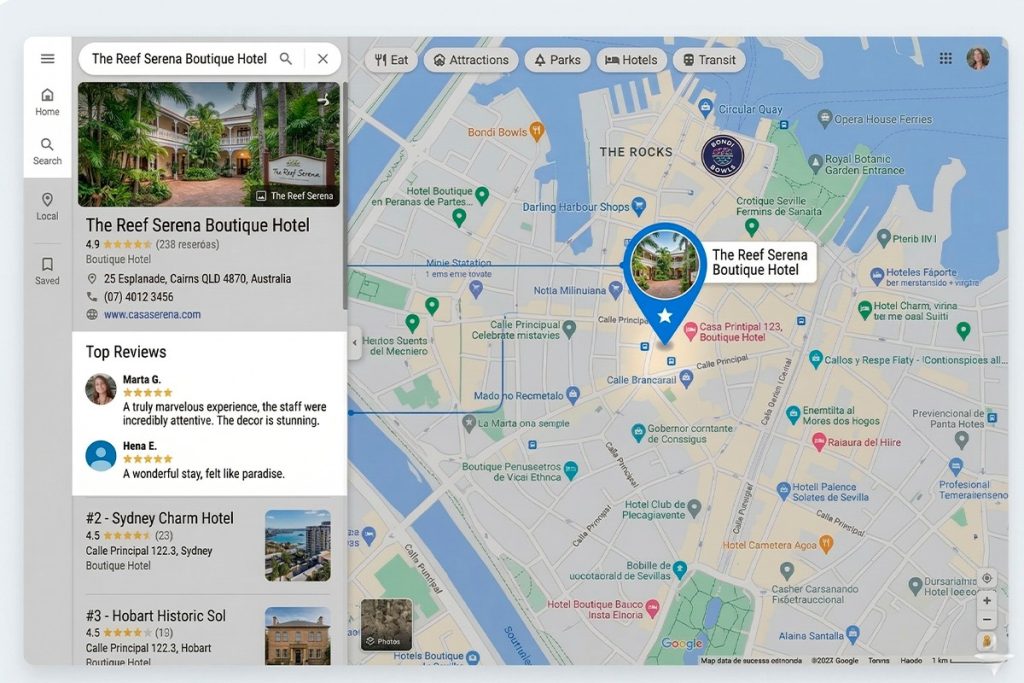
Step 4: manage reviews like a revenue channel
Your Google review score is visible in every search result, every Maps listing, and every ad. It’s the fastest signal a prospective guest has about whether your property delivers what it promises. Managing it well is one of the highest-leverage things you can do for your direct booking rate.
Generating reviews
Ask every guest. A text message sent within 24 hours of checkout — while the experience is fresh — with a direct link to your Google review page gets meaningfully higher response rates than a request buried in a checkout email a week later. Some properties include a small card at checkout with a QR code linking directly to the review page. Both work. The key is consistency — make it a process, not an occasional ask.
Responding to reviews
Respond to every review within 48 hours. For positive reviews, acknowledge something specific the guest mentioned — it demonstrates that you read the review carefully rather than copying a template. For negative reviews, stay calm, be specific about what you’ll address, and offer to continue the conversation privately. Never be defensive and never dispute a guest’s experience publicly, even if you believe it was unfair.
The audience for your review responses isn’t the guest who left the review. It’s every potential guest who reads it afterward. A thoughtful, professional response to a negative review often builds more trust than the absence of negative reviews altogether.
Step 5: post regularly with Google Posts
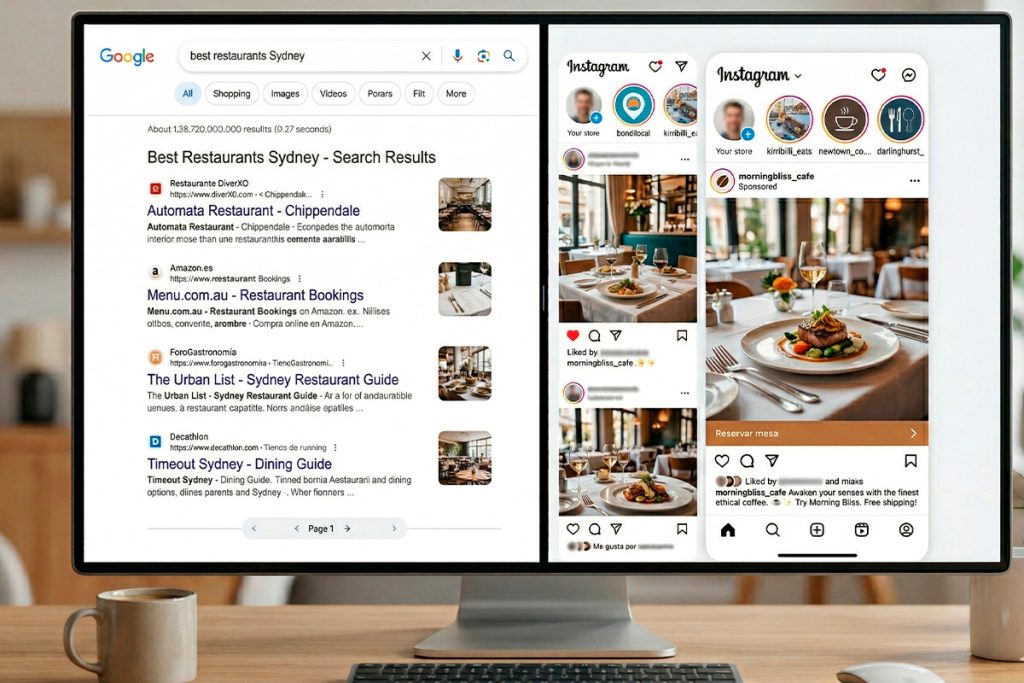
Google Posts are short updates — up to 1,500 characters, with an optional photo and call to action — that appear on your GBP and in search results. Most boutique hotels have never used them. The ones that do consistently report improved click-through rates from their GBP and, anecdotally, higher direct booking conversion.
Post at least twice per month. Content that works well for boutique hotel Google Posts: seasonal packages and direct booking offers, local events happening near the property, new amenities or recent renovations, midweek availability promotions, and seasonal menu launches if you have a restaurant.
Keep posts short. Two or three sentences and a photo is enough. Include a CTA that links directly to your booking page — “book now,” “check availability,” or “claim this offer.” Posts expire after seven days unless they’re event-based, so regular posting keeps your profile feeling current.
Step 6: complete every section of your profile
A partially completed GBP ranks lower and converts worse than a complete one. Go through every section in your dashboard and fill it in.
Attributes matter more than most hotels realise. Google lets you specify amenities — free WiFi, parking, pet-friendly, accessible rooms, pool, restaurant, bar — and these attributes appear in filtered searches. A guest searching “pet-friendly hotel Blue Mountains” will only see properties that have the pet-friendly attribute enabled. If your hotel is pet-friendly and that attribute isn’t ticked, you’re invisible in those searches.
Add your check-in and check-out times, your price range, your languages spoken if relevant, and your accessibility features. Fill in the Q&A section proactively — add the questions guests most commonly ask (parking, breakfast inclusion, cancellation policy, pet policy) and answer them yourself before guests post them.
The description field (up to 750 characters) should describe your property naturally, include your location and key differentiators, and mention your primary keyword — “boutique hotel [location]” — without reading like it was written for an algorithm. Write for the guest first.
Step 7: monitor your GBP insights monthly
Google provides free performance data for every Business Profile: how many people searched for your property, how many viewed photos, how many clicked your website link, how many requested directions, and how many called your phone number.
Review these monthly. Look for trends — a drop in profile views might indicate a ranking change worth investigating; a spike in direction requests after a Google Post suggests the content is driving local discovery. Photo view counts tell you which images guests find most compelling, which informs what to shoot more of.
The most useful metric for a boutique hotel is the booking link click rate — how many guests clicked through to your booking page from your GBP. If this number is low relative to total profile views, the issue is likely your cover photo, your review score, or your booking link placement. If click rate is reasonable but direct bookings aren’t following, the issue is your booking page itself.
Track it. The data is free and it tells you more about your direct booking funnel than most paid analytics tools.
What a well-optimised GBP looks like in practice
A boutique hotel with a fully optimised Google Business Profile typically sees: higher placement in Maps results for location-based searches, meaningfully more clicks to their direct booking page, improved review volume from a systematic ask process, and a reduction in the percentage of GBP-sourced bookings going through OTAs.
None of it requires ad spend. It requires attention — consistent, monthly attention to a channel that most of your competitors are neglecting.
Ready to audit your Google Business Profile?
At DIGISAP, we audit and optimise Google Business Profiles for boutique hotels across Australia as part of our broader hotel digital marketing service. If you’d like an independent assessment of where your profile currently stands and what’s costing you direct bookings, we offer a free audit with no obligation.